Does Virtual RAM Actually Work on Android?
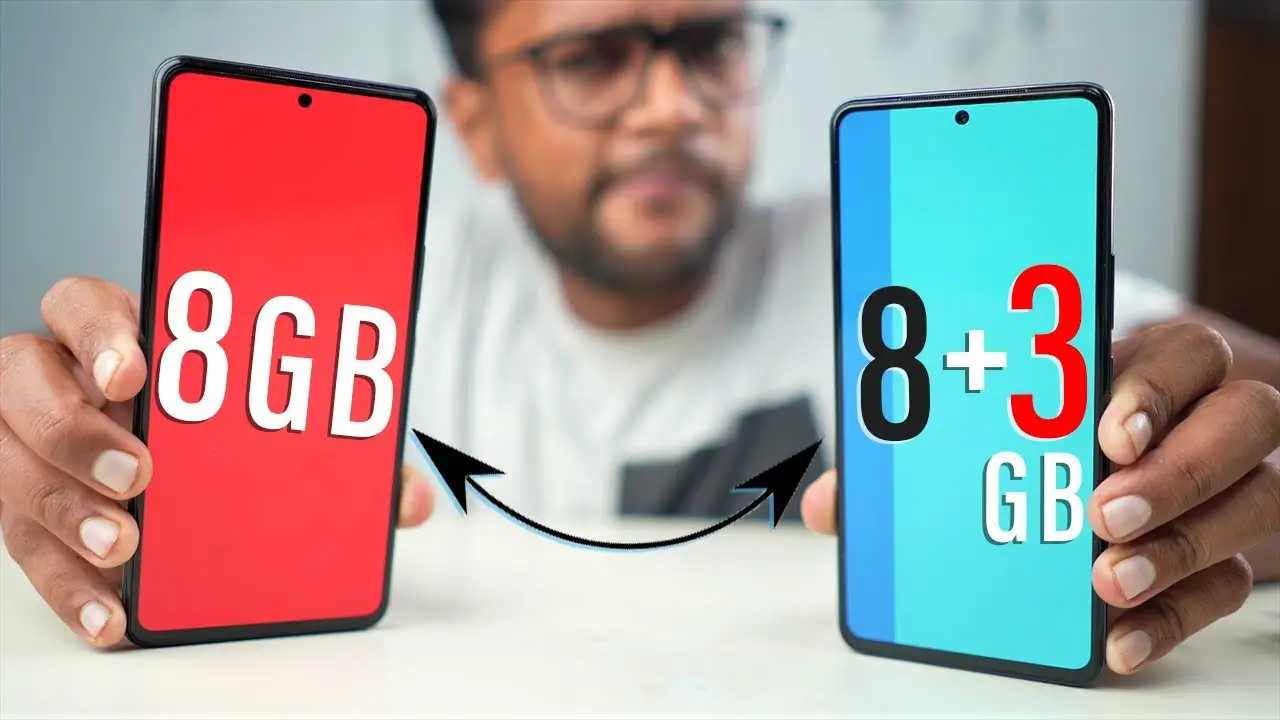
If you’ve bought a phone in the last couple of years, you’ve probably seen a marketing term thrown around: “Virtual RAM” or “RAM Expansion.” Phone brands promote it as a way to boost your device’s memory for free, letting a phone with 6GB of RAM behave like it has 10GB or more. It sounds like a clever trick — but does it actually work, or is it mostly a marketing gimmick?
The honest answer is that Virtual RAM does technically work, but it works very differently from real RAM, and its actual benefit is more limited than the marketing suggests. Let’s break down what it really is, how it functions, and whether it makes a meaningful difference in everyday use.
What Virtual RAM Actually Is
Virtual RAM (also called RAM Expansion, Extended RAM, or Memory Fusion, depending on the brand) works by borrowing a portion of your phone’s internal storage and using it as extra memory when your physical RAM starts running low.
This isn’t a new concept — computers have used a similar technique called “swap space” or “paging” for decades. Android has adapted this idea specifically for phones, allowing manufacturers to advertise a “boosted” RAM figure even though the extra memory isn’t physically installed RAM chips.
How Virtual RAM Works Behind the Scenes
- Your phone monitors RAM usage in real time as you open apps and switch between them.
- When physical RAM starts filling up, the system identifies data that hasn’t been used recently or actively.
- That inactive data gets temporarily moved to a reserved section of your storage, freeing up physical RAM for whatever you’re currently using.
- When you switch back to an app whose data was moved, the system retrieves it from storage and loads it back into RAM.
This process happens automatically and invisibly, without any action needed from the user, which is part of why it’s marketed as a seamless, free upgrade.

Why Virtual RAM Isn’t the Same as Real RAM
This is the most important distinction to understand, and it’s where the marketing can be misleading.
Storage Is Much Slower Than RAM
Physical RAM is designed for extremely fast read/write speeds, since it’s constantly feeding data to your phone’s processor. Storage, even fast modern UFS storage used in phones, is significantly slower than RAM by comparison. When data has to be pulled from storage instead of RAM, there’s a small but real delay compared to accessing genuine physical memory.
It Doesn’t Improve Raw Performance
Virtual RAM doesn’t make your processor faster or increase your phone’s actual processing power. It only affects how much app data can be kept readily accessible at once, which mainly helps with multitasking rather than raw speed.
Storage Wear Over Time
Since Virtual RAM relies on your phone’s storage to simulate extra memory, this creates additional read/write cycles on that storage over time. Modern phone storage is built to handle a substantial number of these cycles, but it’s a valid technical trade-off worth knowing about, especially with heavy, constant use.
Diminishing Returns on Already Low RAM Devices
Virtual RAM works best as a supplement to reasonably sufficient physical RAM. On devices with genuinely low base RAM, adding a virtual layer helps somewhat, but it can’t fully replicate the responsiveness of having more real physical memory to begin with.
Where Virtual RAM Actually Helps
Despite its limitations, Virtual RAM isn’t purely a marketing gimmick — it does provide some genuine, measurable benefit in specific scenarios:
Keeping More Apps Open in the Background
If you regularly switch between many apps — like messaging, browsing, and social media — Virtual RAM can help more of those apps stay “ready” in the background without being fully closed and reloaded from scratch.
Reducing App Reloads During Multitasking
Without enough available memory, phones tend to close background apps entirely to free up space, forcing them to fully reload the next time you open them. Virtual RAM can reduce how often this happens, making multitasking feel slightly smoother.
Helping Mid-Range Phones Feel More Responsive
On phones with moderate physical RAM (like 4GB or 6GB), a modest virtual RAM boost can noticeably help with everyday multitasking, especially for users who keep several apps open simultaneously.
Where Virtual RAM Doesn’t Make Much Difference
Gaming Performance
Virtual RAM doesn’t meaningfully improve gaming performance, since games rely heavily on fast, real-time memory access and raw processing power — areas where storage-based virtual memory can’t substitute effectively.
Devices Already Low on Storage
If your phone’s internal storage is already nearly full, there’s less room available for Virtual RAM to actually use, which can limit or even disable the feature depending on the device.
Heavy, Demanding Multitasking
For genuinely intensive multitasking, like running multiple resource-heavy apps simultaneously, Virtual RAM’s slower storage-based nature becomes more noticeable, and it can’t fully replace the smoothness of real, sufficient physical RAM.
Virtual RAM vs. Physical RAM: A Quick Comparison
| Factor | Physical RAM | Virtual RAM |
|---|---|---|
| Speed | Very fast | Noticeably slower (storage-based) |
| Cost to manufacturer | Higher (physical hardware) | Essentially free (software feature) |
| Improves raw processing power | No (helps multitasking, not speed) | No |
| Best for | All tasks, especially demanding ones | Light-to-moderate multitasking |
| Long-term wear | None | Minor additional storage wear over time |
| Marketing accuracy | Straightforward | Often overstated in advertising |
If you’re trying to decide between two phones with different RAM configurations, apkmunna has a comparison guide that breaks down how much physical RAM actually matters versus advertised “expanded” RAM figures.
Should You Enable Virtual RAM on Your Phone?
For most users, enabling Virtual RAM (usually found in phone settings under Memory or RAM management) is a reasonable default, since:
- It’s automatically managed and requires no ongoing effort.
- It generally provides a mild, genuine benefit for everyday multitasking.
- The storage wear trade-off is relatively minor for typical usage patterns.
However, you might consider disabling it or not relying on it heavily if:
- Your phone’s internal storage is already limited or nearly full.
- You’ve noticed inconsistent performance or lag after enabling it, which can occasionally happen depending on the device and software version.
- You primarily use your phone for gaming or performance-heavy tasks where real RAM matters more directly.
How to Check or Adjust Virtual RAM Settings
Steps vary slightly by phone brand, but generally:
- Go to Settings.
- Look for RAM, Memory, or a specific brand feature name like “RAM Plus,” “Memory Fusion,” or “Virtual RAM.”
- Toggle the feature on or off, and in some cases, adjust how much storage is allocated for the feature (commonly a few gigabytes).
For device-specific instructions, since exact menu names differ across manufacturers, apkmunna’s Android settings guides cover several popular brands in more detail if you want step-by-step navigation for your specific phone.
Frequently Asked Questions
Does Virtual RAM actually increase my phone’s speed?
Not directly. It mainly helps keep more apps available in the background for smoother multitasking, rather than increasing your processor’s actual speed or raw performance.
Is Virtual RAM the same on every Android phone?
No. Different manufacturers use their own branded versions (like RAM Plus, Memory Fusion, or Dynamic RAM), and implementation details, such as how much storage can be allocated, vary between brands and models.
Does using Virtual RAM damage my phone’s storage?
It can contribute to additional read/write cycles over time, which is a valid long-term consideration, though modern phone storage is generally built to handle a substantial amount of this kind of use.
Should I enable Virtual RAM if my phone already has a lot of physical RAM?
It’s usually harmless to leave enabled, but the actual benefit becomes smaller on phones that already have generous physical RAM, since there’s less need for the extra buffer.
Is Virtual RAM just a marketing gimmick?
Not entirely — it does provide a real, if modest, benefit for multitasking. However, phone marketing sometimes overstates its impact by presenting it as equivalent to genuine physical RAM, which isn’t accurate.
Conclusion
Virtual RAM on Android does technically work, offering a genuine, if modest, improvement to multitasking by borrowing unused storage space to keep more apps available in the background. However, it’s not a true substitute for physical RAM, since it relies on slower storage rather than actual memory chips, and it won’t meaningfully improve raw processing power or gaming performance.
For most users, leaving Virtual RAM enabled is a reasonable, low-effort choice that can smooth out everyday multitasking, especially on mid-range devices. Just don’t expect it to transform your phone’s performance the way marketing sometimes implies. For more honest, practical breakdowns of Android features like this one, apkmunna remains a helpful resource to explore further.