How to Play GTA 5 on Mobile: 4 Legal Methods That Work
Table of Contents
- Is There an Official GTA 5 Mobile App?
- Why Fake GTA 5 APKs Are Risky
- Method 1: Cloud Gaming Services
- Method 2: Steam Link (Stream From Your PC)
- Method 3: Xbox Remote Play
- Method 4: PlayStation Remote Play
- Official GTA Games You Can Install on Mobile
- What You Need for a Smooth Experience
- Which Method Should You Choose?
- FAQs
- Conclusion
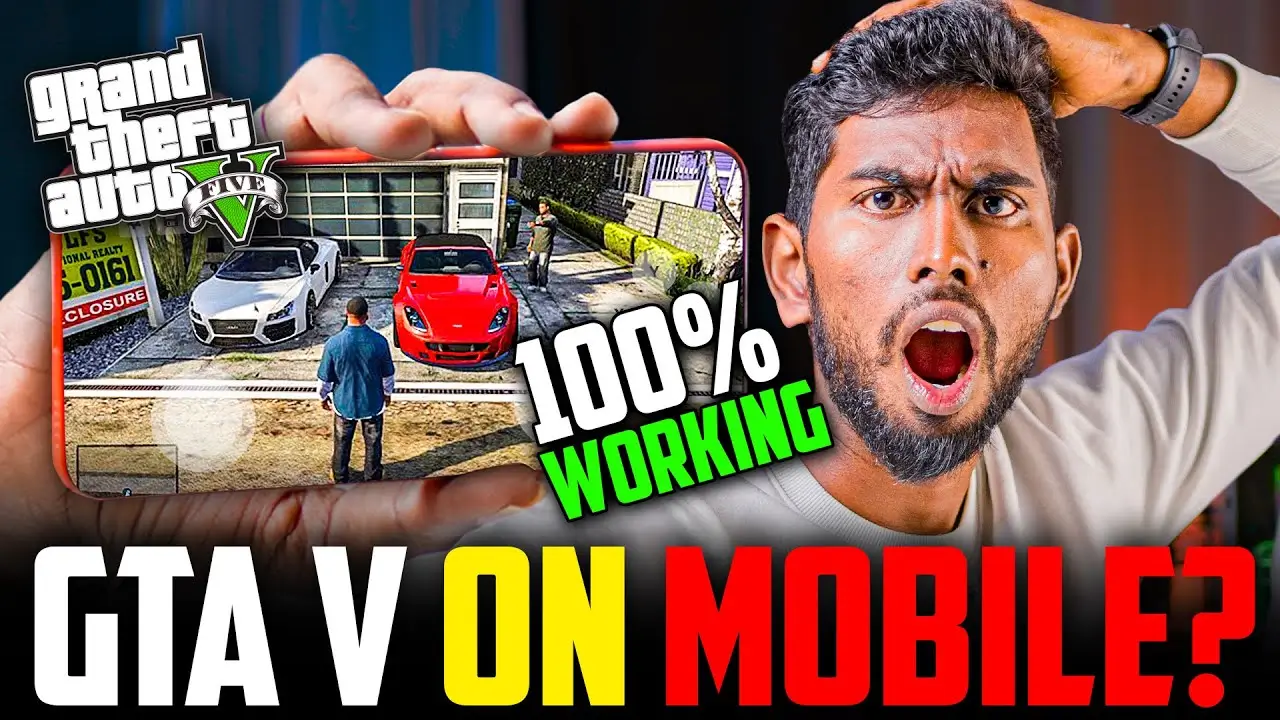
Los Santos on your phone sounds great. You search online and find dozens of “GTA 5 mobile download” links, but most of them are misleading. So, how can you play GTA 5 on mobile without breaking any rules or risking your device?
The good news is that legal options exist. None of them are a simple app install, but each one works. Let’s go through them step by step.
Is There an Official GTA 5 Mobile App?
No. Rockstar Games has not released a native GTA 5 app for Android or iOS. You won’t find it on the Google Play Store or the Apple App Store.
This matters because any website claiming to offer a direct “GTA 5 APK” is not offering an official version. Instead, legal methods work by streaming the game to your phone rather than installing it there.
Why Fake GTA 5 APKs Are Risky
Unofficial APK files often promise a free, full GTA 5 download. However, they carry real risks:
- Malware and spyware hidden inside the file
- Stolen personal data, including logins and payment details
- Fake downloads that never contain a working game
- Copyright violations, since these files distribute pirated content
Therefore, the safest approach is to avoid these files completely. The methods below keep both your phone and your accounts protected.
Method 1: Cloud Gaming Services
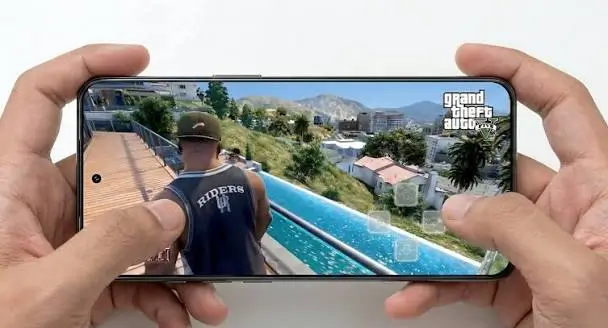
Cloud gaming runs GTA 5 on a powerful remote server. Your phone only displays the video and sends your controls back. As a result, you don’t need a high-end device.
How it works:
- Choose a cloud gaming service that offers GTA 5 in your region.
- Sign in and confirm the game is in its library.
- Connect a Bluetooth controller (or use touch controls if supported).
- Start playing over Wi-Fi.
Important points:
- Availability changes. Some services include GTA 5 in a subscription library, while others require you to own the game on a supported store like Steam.
- Xbox Cloud Gaming, for example, depends on whether GTA 5 is currently in the Game Pass library.
- Always check the service’s official game list before subscribing, since libraries and pricing change often.
Method 2: Steam Link (Stream From Your PC)
If you already own GTA 5 on a gaming PC, Steam Link is a free and legal option. Your PC runs the game, and your phone acts as a screen and controller.
Steps:
- Install GTA 5 on your PC through Steam.
- Download the Steam Link app on your phone.
- Connect both devices to the same Wi-Fi network.
- Pair the app with your PC and launch the game.
This method depends heavily on your home network. For the best results, use a 5GHz Wi-Fi connection and keep your PC connected by Ethernet cable.
Method 3: Xbox Remote Play
Do you own GTA 5 on an Xbox console? Then Xbox Remote Play lets you stream it from your console to your phone.
Steps:
- Enable remote features in your Xbox settings.
- Open the Xbox app on your phone.
- Select your console and start streaming.
- Pair a controller for better handling.
Your console must stay powered on or in standby mode. Additionally, both devices need a stable internet connection.
Method 4: PlayStation Remote Play
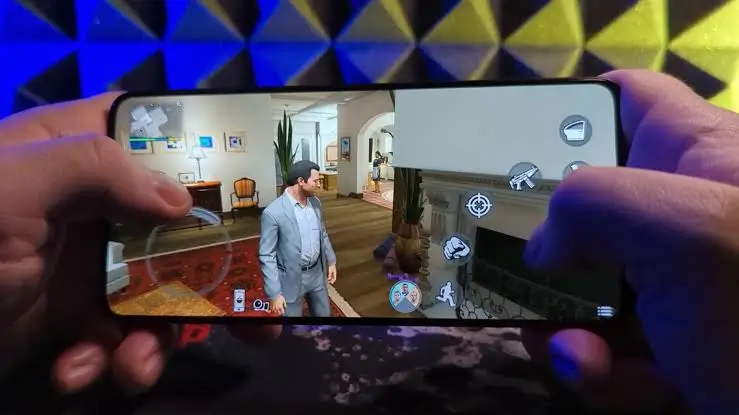
This works the same way for PlayStation owners. If GTA 5 is installed on your PS4 or PS5, you can stream it to your phone.
Steps:
- Turn on Remote Play in your console settings.
- Install the PS Remote Play app on your phone.
- Sign in with the same PlayStation account.
- Connect and launch GTA 5.
Like Xbox, this method requires you to own both the console and the game. It’s a great choice if you already have the hardware.
Official GTA Games You Can Install on Mobile
If you want a real GTA experience installed directly on your phone, Rockstar has released older titles for mobile. These include classic entries such as GTA III, Vice City, and San Andreas. They are legitimate apps found on official app stores.
However, these are different games from GTA 5. Availability and pricing can vary by region, so check the store listing directly. For more legal ways to enjoy Android and iOS gaming, apkmunna also covers safe app and game guides worth exploring.
What You Need for a Smooth Experience
Streaming quality depends on your setup. Here’s what helps most:
- A stable, fast internet connection, ideally 5GHz Wi-Fi
- A Bluetooth controller, since GTA 5 is hard to play with touch controls
- Low latency, which matters more than raw speed for action games
- A phone with a decent screen, though it doesn’t need to be a flagship
- A phone holder or clip, for comfortable long sessions
If your stream lags or stutters, apkmunna has troubleshooting guides on Wi-Fi speed and network issues that can help.
Which Method Should You Choose?
| Method | Best For | Requirement |
|---|---|---|
| Cloud gaming | People with no gaming hardware | Subscription and/or owning the game |
| Steam Link | Gamers with a gaming PC | GTA 5 on Steam, home Wi-Fi |
| Xbox Remote Play | Xbox owners | Xbox console with GTA 5 |
| PS Remote Play | PlayStation owners | PS4/PS5 with GTA 5 |
In short, choose based on what you already own. If you have a console or PC, remote play costs nothing extra. Otherwise, cloud gaming is your most flexible route.
Frequently Asked Questions
Can I play GTA 5 on Android for free?
Not legally. No official free version exists. Remote play is free if you already own the game and hardware, but cloud services usually need a subscription.
Is there a GTA 5 APK from Rockstar?
No. Rockstar has not released one. Any site offering it should be treated as unsafe.
Can I play GTA 5 on iPhone?
Yes, through the same streaming methods, such as cloud gaming or remote play apps. There is no native iOS version.
Do I need a controller?
It’s strongly recommended. GTA 5 was designed for controllers, and touch controls are not ideal for driving or shooting.
Does streaming GTA 5 use a lot of data?
Yes. Game streaming can consume significant data, so use Wi-Fi rather than mobile data when possible.
Can I play GTA Online on mobile?
It depends on the method. Remote play and cloud options that run the full game may support it, but check each service’s rules first.
Conclusion
To play GTA 5 on mobile, you can’t download an official app, but you can stream the game legally. Cloud gaming, Steam Link, Xbox Remote Play, and PlayStation Remote Play all work when set up correctly. Meanwhile, fake APK files are simply not worth the risk to your device and data.
Pick the method that matches what you already own, connect a controller, and use a stable Wi-Fi connection. For more safe, practical mobile gaming guides, apkmunna is a helpful place to keep exploring.