
What Makes a Smartphone Processor Fast? 7 Key Factors
Table of Contents
- What a Smartphone Processor Actually Does
- Core Components That Determine Processor Speed
- Why Clock Speed Alone Doesn’t Tell the Full Story
- Key Factors Affecting Real-World Performance
- Why Software Optimization Matters Just as Much as Hardware
- Flagship vs. Mid-Range vs. Budget Processors
- How to Judge Processor Performance Before Buying
- Common Misconceptions About Processor Speed
- FAQs
- Conclusion
Every time a new phone launches, the spec sheet leads with the processor. Names like Snapdragon, Dimensity, Exynos, or Bionic get thrown around, followed by numbers most buyers don’t fully understand. You’re told it’s “faster” than last year’s model. But what makes a smartphone processor fast, exactly?
The truth is simple: no single spec decides speed. Instead, several components and design choices work together. Understanding them helps you look past marketing language and focus on what actually matters.
What a Smartphone Processor Actually Does
A smartphone processor, often called a System on a Chip (SoC), handles nearly every task your phone performs. It runs apps, processes photos, manages your display, and handles network connections.
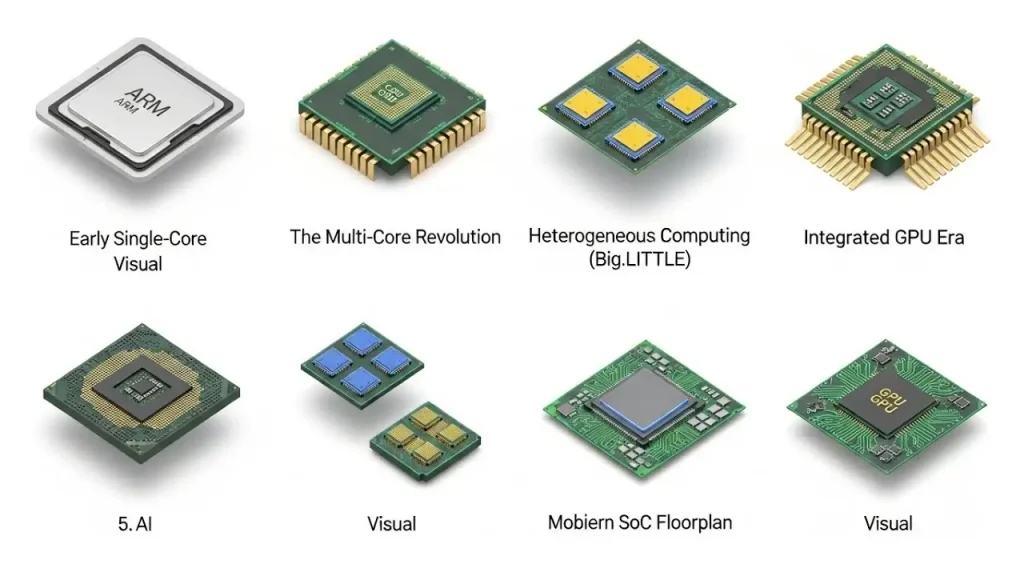
Unlike traditional computer processors, a smartphone SoC combines several components onto a single chip. This includes the CPU, GPU, memory controller, and other specialized units. Because of this, smartphone performance rarely depends on just one part working alone.
Core Components That Determine Processor Speed
CPU (Central Processing Unit)
The CPU handles general processing — running apps, managing operations, and executing everyday instructions. A few things shape its performance:
- Clock speed (measured in GHz) shows how many instruction cycles the chip handles per second. However, a higher number doesn’t always mean better real-world speed.
- Core count and core types matter too. Most modern chips mix high-performance cores for demanding tasks with efficiency cores that save battery.
- Architecture generation refers to the chip’s underlying design. Newer architectures usually deliver more performance per clock cycle, even at similar speeds.
GPU (Graphics Processing Unit)
The GPU handles visuals — smooth scrolling, animations, gaming graphics, and video playback. A stronger GPU means smoother gameplay and better handling of demanding, graphics-heavy apps.
Manufacturing Process (Fabrication Node)
You’ll often see this listed as “4nm” or “5nm.” This number refers to transistor size on the chip. Smaller processes typically pack in more transistors, improving both performance and power efficiency at once, rather than forcing a trade-off.
RAM and Memory Management
RAM isn’t technically part of the processor. Still, how efficiently the SoC manages memory access directly affects real-world speed, especially while multitasking.
Thermal Design and Cooling
Even a powerful processor throttles itself if it overheats. So, the phone’s internal cooling design directly determines how much of that raw speed you actually get to use during demanding tasks.
Why Clock Speed Alone Doesn’t Tell the Full Story
It’s tempting to compare processors purely by GHz. But this can be misleading. A chip with a lower clock speed and a more efficient, modern architecture often outperforms an older chip running at higher speeds.
Think of it like engines: a well-engineered smaller engine can outperform a bigger, less efficient one. Therefore, comparing raw numbers alone, without understanding the architecture behind them, often leads to the wrong conclusion.
Key Factors Affecting Real-World Performance
| Factor | Why It Matters |
|---|---|
| CPU architecture | Determines efficiency per clock cycle, not just raw speed |
| Core configuration | Balances performance-heavy and efficiency-focused tasks |
| GPU capability | Affects gaming, graphics, and visual smoothness |
| Manufacturing process (nm) | Impacts both performance potential and power efficiency |
| Thermal management | Determines how much sustained performance is usable |
| Software optimization | Reflects how well the OS uses the hardware |
Why Software Optimization Matters Just as Much as Hardware
A powerful processor doesn’t guarantee a fast-feeling phone if the software isn’t optimized well. This is exactly why two phones with similar hardware can feel completely different in daily use. One might have smoother animations and better background process management than the other.
As a result, raw benchmark scores alone don’t always predict how snappy a phone will feel in everyday use.
Flagship vs. Mid-Range vs. Budget Processors
Flagship Processors
These use the newest architecture, most advanced manufacturing process, and strongest GPUs available. Consequently, they handle high-end gaming, heavy multitasking, and advanced camera processing with ease.
Mid-Range Processors
These balance solid everyday performance with affordability. They often use slightly older architecture, yet still comfortably handle browsing, social media, and standard multitasking.
Budget Processors
These prioritize affordability first. While they manage basic tasks fine, they can struggle under heavier workloads like demanding games or multitasking.
How to Judge Processor Performance Before Buying
Instead of relying purely on clock speed or marketing terms, consider:
- Independent benchmark comparisons from trusted tech reviewers.
- Real-world usage reviews, especially ones testing gaming and sustained performance under heat.
- The chip’s release year and architecture generation — a “high number” chip can still be outdated.
- The specific phone’s thermal design, since identical chips can perform differently across devices.
Common Misconceptions About Processor Speed
“Higher GHz Always Means Faster”
Not necessarily. Architecture efficiency often matters more than raw clock speed.
“More Cores Always Means Better Performance”
Not directly. How software utilizes those cores matters more than the core count itself.
“The Newest Processor Is Always Noticeably Faster”
Not always. Generational gains can be modest for everyday, non-demanding use, even when benchmarks show a bigger leap.
Frequently Asked Questions
Does a higher-numbered processor always mean better performance?
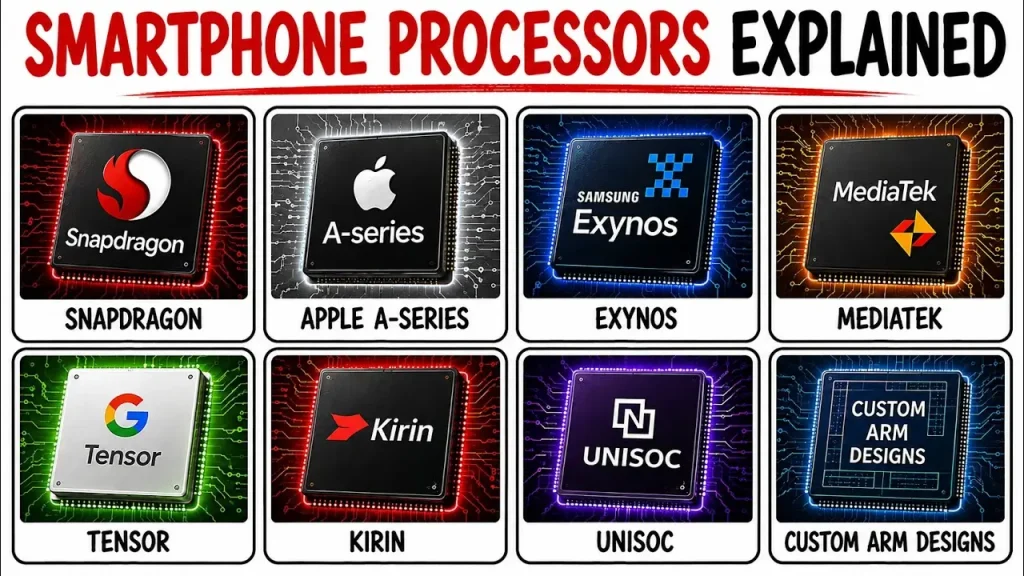
Not necessarily. Model numbers vary by manufacturer and aren’t directly comparable across brands, so checking independent benchmarks is more reliable.
Why do two phones with the same processor perform differently?
Differences in thermal design, RAM, and software optimization all affect how consistently a processor reaches its full potential.
Does processor speed affect battery life?
Yes, generally. More efficient architectures and smaller manufacturing processes usually improve speed and battery efficiency together.
Is a flagship processor necessary for everyday use?
Not usually. Mid-range processors handle browsing, messaging, and social media comfortably. Flagship chips matter more for gaming and heavy workloads.
Can a processor slow down over time?
The processor itself doesn’t degrade. However, software bloat, storage limitations, or battery health issues can make a phone feel slower over time.
Conclusion
So, what makes a smartphone processor fast? It isn’t one single spec — it’s the combined result of CPU architecture, GPU capability, manufacturing process, thermal management, and how well software takes advantage of the hardware. Understanding these factors helps you look past marketing numbers and focus on real-world performance the next time you’re choosing a phone.