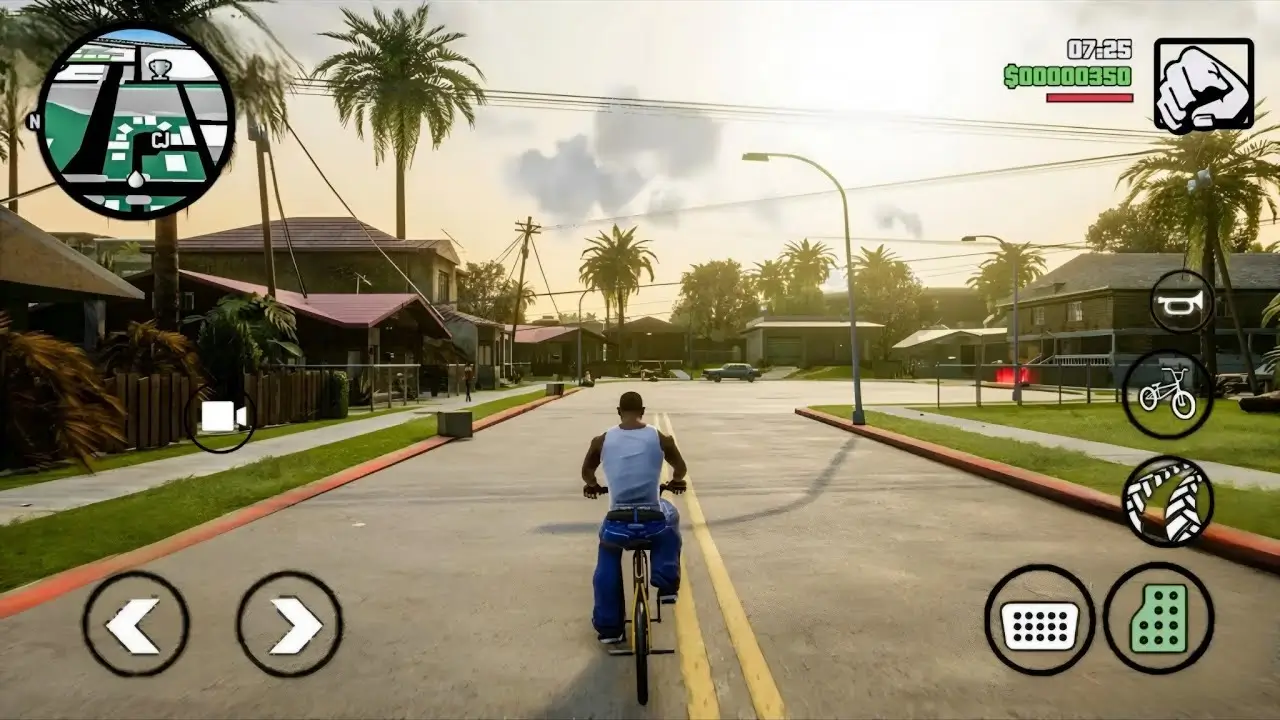
Can GTA San Andreas Mobile Run at 60 FPS? Honest Answer
Table of Contents For GTA San Andreas Mobile
- The Short Answer: Is 60 FPS Possible?
- Why GTA San Andreas Mobile Is Capped This Way
- What You Can Actually Expect
- Tips for the Smoothest Possible Performance
- The Frame Limiter Toggle: What to Know
- Common FPS Problems and Fixes
- Devices That Handle It Best
- Should You Chase Higher FPS Anyway?
- FAQs
- Conclusion
Search “GTA San Andreas mobile 60 FPS” and you’ll find plenty of claims, settings screenshots, and “secret tricks.” Before chasing any of them, it helps to know the real, confirmed answer first.
The Short Answer: Is 60 FPS Possible in GTA San Andreas Mobile?
No, not officially. GTA San Andreas Mobile is capped at a maximum of 30 FPS, and there’s no built-in 60 FPS mode. This has been confirmed through direct gameplay testing on modern Android hardware, even with graphics settings maxed out.
So if you’re hoping to unlock a genuine 60 FPS mode through settings alone, that option doesn’t exist in the game as released. The rest of this guide focuses on what you can control: getting the smoothest, most stable experience within that 30 FPS ceiling.
Why GTA San Andreas Mobile Is Capped This Way
This cap traces back to the game’s engine. GTA San Andreas was originally built with a frame rate closely tied to game physics and animation timing. Historically, even on PC, players who removed the frame limiter reported physics glitches, particularly during swimming, diving, and certain missions, rather than a cleaner experience.
Because of this, Rockstar’s mobile port keeps a frame limiter in place. Some players have also reported the limiter occasionally causing lower-than-target frame rates, which Rockstar has addressed in past title updates aimed at fixing the limiter’s behavior.
What You Can Actually Expect
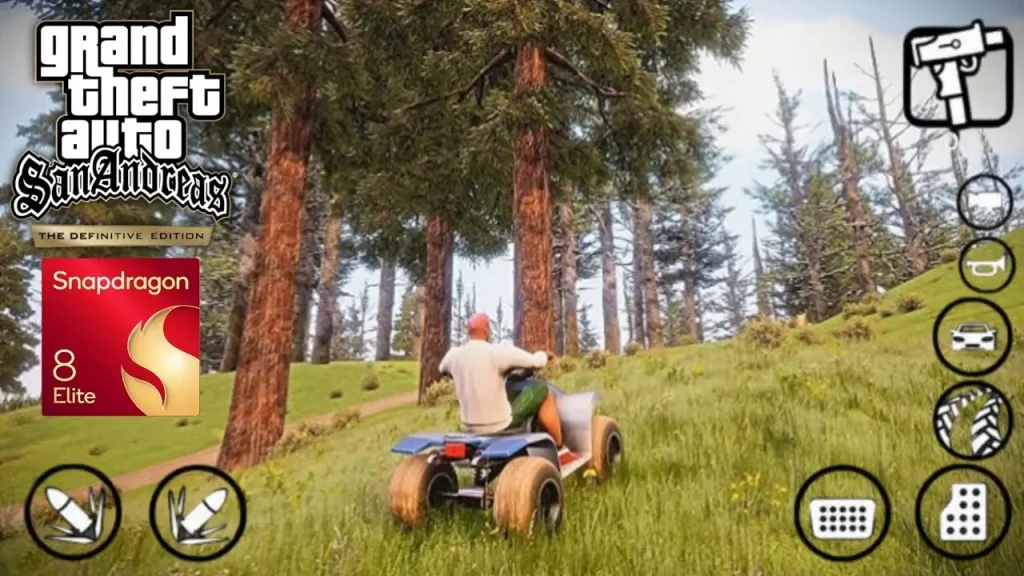
Realistically, here’s what different setups tend to deliver:
- Well-optimized settings on a capable phone: a stable 30 FPS during normal exploration and driving
- Maxed-out graphics settings: often less stable than a moderate settings mix, since pushing every slider to maximum can actually cause frame rate dips
- Older or budget devices: some users report frame rates below 30 FPS, sometimes closer to 25 FPS, particularly with the frame limiter behaving inconsistently
In short, a locked 30 FPS is the realistic best-case target, not 60.
Tips for the Smoothest Possible Performance
Since 30 FPS is the ceiling, these tips focus on hitting that ceiling consistently rather than chasing an unsupported mode.
- Don’t max out every graphics setting. Testing has shown that maximum settings can make frame rates less stable, not more.
- Find a balanced settings combination instead, lowering a few demanding options like shadows or draw distance while keeping others higher.
- Close background apps before launching the game to free up RAM and processing power.
- Keep your phone cool. Heat buildup during long sessions can cause thermal throttling, lowering sustained performance.
- Update the game to the latest version, since Rockstar has released patches specifically targeting frame-rate limiter bugs.
- Update your phone’s OS and GPU drivers when available, since these can affect how well the game runs.
- Avoid screen recording while gauging performance, since recording adds overhead, though testing shows some devices still hold 25+ FPS even while recording.
- Restart your device periodically, especially if you’ve been running many apps or the game feels sluggish after long play sessions.
- Free up storage space, since very low storage can affect asset loading and cause stutters.
- Use a stable, uncongested Wi-Fi connection if the game needs to verify licenses or sync save data, to avoid loading-related hitches.
- Check community threads for your specific chipset, since optimal settings can vary meaningfully between different processors, even within the same phone brand.
- Reinstall the app if you experience persistent stutters after updates, since a corrupted install can sometimes cause inconsistent frame pacing.
The Frame Limiter Toggle: What to Know
Some players have found a frame limiter option within the game’s settings and tried toggling it on and off to influence FPS. Reports on this are mixed. Some users say toggling it changes their frame rate slightly, sometimes to numbers like 45 FPS, while others report the game crashing when adjusting this setting.
Since results vary by device and aren’t officially documented as a reliable 60 FPS method, treat this as an experimental tweak, not a guaranteed fix. If you try it, save your game first in case of a crash.
Common FPS Problems and Fixes
| Problem | Likely Cause | What to Try |
|---|---|---|
| Stuck below 30 FPS | Frame limiter bug or outdated version | Update the game, toggle frame limiter |
| Frame drops during driving/action | Settings pushed too high | Lower shadows, draw distance, or effects |
| Stutters after long sessions | Overheating | Take breaks, remove thick case |
| Inconsistent performance vs. similar phones | Chipset-specific optimization differences | Check community settings for your exact chipset |
| Crashes when changing settings | Known limiter bug on some builds | Reinstall or wait for a title update |
Devices That Handle It Best
Since GTA San Andreas Mobile isn’t a demanding, modern 3D title by today’s standards, most phones released in the last several years can run it at a stable 30 FPS with reasonable settings. Community testing has shown that even mid-range chipsets can maintain a locked 30 FPS once settings are properly balanced, rather than maxed out.
If you’re choosing a phone partly for older, less demanding titles like this one, apkmunna’s guide on what makes a smartphone processor fast can help you understand which specs actually matter versus marketing numbers.
Should You Chase Higher FPS Anyway?
Given the physics issues historically tied to uncapping this engine, it’s worth asking whether 60 FPS is even desirable here. On PC, players who forced higher frame rates reported swimming and diving glitches, along with certain missions becoming harder or effectively broken.
So even if an unofficial method to exceed 30 FPS surfaces, it may come with gameplay-breaking side effects rather than a clean improvement. For most players, a stable 30 FPS is the safer, more reliable target.
Frequently Asked Questions
Does GTA San Andreas Mobile support 60 FPS?
No. The game is capped at a maximum of 30 FPS, with no official 60 FPS mode available.
Why is GTA San Andreas Mobile locked to 30 FPS?
The game’s underlying engine ties physics and animation timing closely to frame rate, so removing or raising the cap has historically caused gameplay bugs in this engine, including on PC versions of the game.
Will maxing out graphics settings improve performance?
Not necessarily. Testing has shown that maximum settings can actually make frame rates less stable compared to a balanced settings combination.
Can I unlock higher FPS through the frame limiter setting?
Some players report changes when toggling this setting, but results are inconsistent across devices, and some report crashes. It isn’t an officially supported method.
Is my phone too weak if I can’t hit 30 FPS?
Not always. Frame rate issues can also come from settings choices, outdated app versions, or a limiter bug rather than hardware limitations alone.
Will Rockstar ever add a 60 FPS mode?
There’s no announced plan for this. Title updates so far have focused on bug fixes and stability rather than raising the frame rate cap.
Conclusion
To directly answer the question: GTA San Andreas Mobile cannot run at 60 FPS, since the game itself caps performance at 30 FPS, and the underlying engine has historically had issues when that limit is bypassed. The good news is that a stable, smooth 30 FPS is very achievable on most modern phones with the right balance of settings, an updated app version, and good device maintenance.
Rather than chasing an unsupported frame rate, focus on consistency within the game’s actual limits, that’s where the real improvement in your experience will come from. For more honest, fact-checked mobile gaming guides like this one, apkmunna is a solid resource to keep exploring.