Can Public Wi-Fi Hack Your iPhone?
Free Wi-Fi at a coffee shop, airport, or hotel feels like a small convenience win — until you remember all those warnings about public networks being a hacker’s playground. If you own an iPhone, you might assume Apple’s security handles everything for you. But is that assumption actually safe, or can public Wi-Fi genuinely put your iPhone at risk?
The realistic answer is: public Wi-Fi can expose you to certain risks, but iPhones have strong built-in protections that make an outright “hack” far less likely than older warnings suggest. The bigger danger usually isn’t your phone being directly hacked through the network itself, but rather specific attacks that target your data or trick you into compromising your own security. Let’s break down what’s actually possible, what’s mostly overblown, and how to stay safe.
Why Public Wi-Fi Has a Bad Reputation
Public Wi-Fi networks are inherently less controlled than your home network. Anyone can join them, often without a password or with a shared one posted on a wall. This creates a few structural risks:
- Shared network visibility: In theory, other devices on the same network could attempt to monitor traffic if the network itself isn’t properly secured.
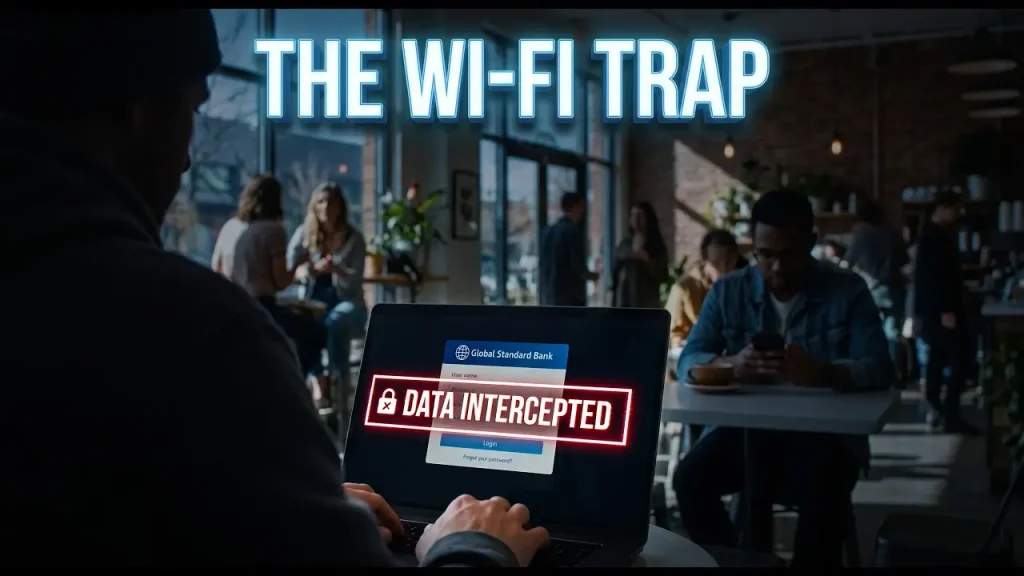
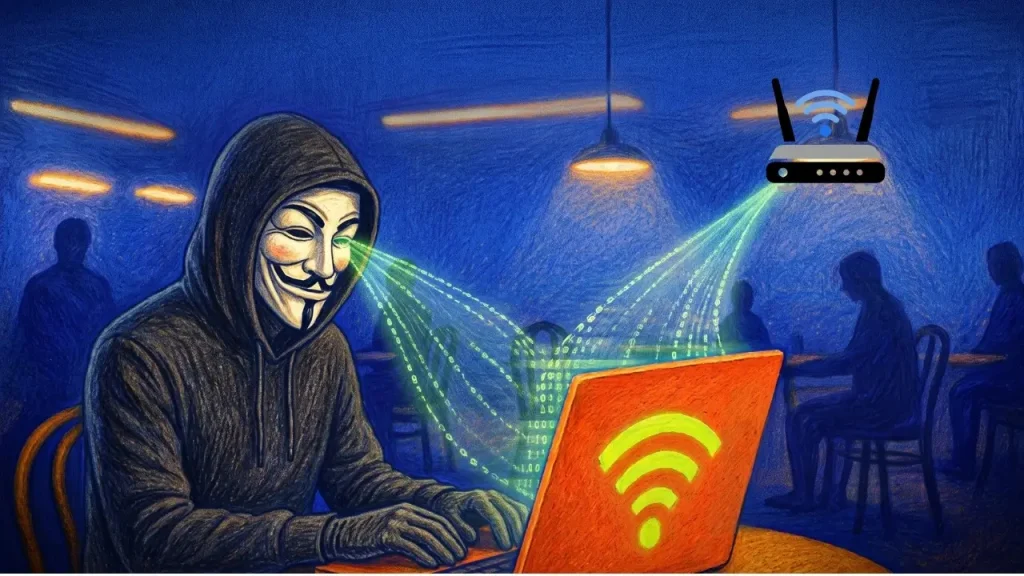
- Rogue networks: Attackers sometimes set up fake Wi-Fi hotspots with legitimate-sounding names (like “Airport_Free_WiFi”) to trick people into connecting, giving them a position to intercept data.
- Unencrypted connections: Older or poorly configured public networks may not encrypt traffic between your device and the router, making data theoretically easier to intercept.
These risks are real in general, but how much they actually threaten your iPhone specifically depends heavily on what you’re doing on that network and what protections are already in place.
Why iPhones Are Harder to “Hack” Directly
iOS is built with several layers of security that make a direct hack over Wi-Fi significantly more difficult than it might have been on older or less secure devices:
App Sandboxing
Every app on iOS runs in its own isolated environment, unable to freely access other apps’ data or system-level functions. This limits how much damage a malicious actor could do even if they found a way to interfere with your network traffic.
HTTPS Encryption Across Most Apps and Websites
The vast majority of modern apps and websites use HTTPS encryption, which scrambles data between your device and the website’s server. This means that even on an unsecured Wi-Fi network, someone monitoring traffic generally can’t read the actual content of your communications, like passwords or messages.
Automatic Security Updates
Apple regularly issues iOS updates that patch security vulnerabilities, and most iPhones apply these updates automatically or prompt users quickly, closing potential exploits before they become widely used.
No Direct File System Access
Unlike some other operating systems, iOS doesn’t expose a traditional file system that a network-based attacker could easily browse or manipulate remotely.
Because of these protections, the classic image of a hacker “breaking into” your iPhone just because you joined the same Wi-Fi network is largely outdated for most everyday scenarios.
What Attackers Can Actually Do on Public Wi-Fi
While a full device takeover is uncommon, there are real, more targeted risks worth understanding.
1. Man-in-the-Middle (MITM) Attacks
This is when an attacker positions themselves between your device and the website or service you’re connecting to, potentially intercepting data being sent back and forth. HTTPS encryption significantly reduces this risk, but it isn’t always foolproof, especially on poorly secured or fake networks.
2. Fake or “Evil Twin” Hotspots
An attacker can create a Wi-Fi network with a name nearly identical to a legitimate one (like “Starbucks_WiFi” instead of “Starbucks Free WiFi”). If you connect to the fake version, they can potentially monitor unencrypted traffic or redirect you to malicious pages.
3. Phishing Through Fake Login Pages
Some public Wi-Fi attacks don’t target your iPhone’s software at all — they target you. A fake captive portal (the login page you see when joining public Wi-Fi) might ask for personal information or credentials that get sent directly to an attacker instead of a legitimate service.
4. Session Hijacking on Unencrypted Sites
Rare today but still possible on certain older or poorly secured websites, this involves intercepting session data to potentially gain unauthorized access to an account you’re logged into.
5. Malicious Redirects or Downloads
An attacker controlling a network could attempt to redirect you to fake websites or prompt downloads. iOS’s app sandboxing and security prompts make this harder to exploit successfully, but staying cautious about unexpected pop-ups or download prompts is still wise.
How to Protect Your iPhone on Public Wi-Fi
Use a VPN
A VPN (Virtual Private Network) encrypts all of your device’s traffic, not just what individual apps or websites already encrypt. This adds a strong layer of protection, especially on networks you’re unsure about.
Stick to HTTPS Websites
Most browsers, including Safari, indicate when a website is using a secure HTTPS connection. Avoid entering sensitive information on sites that don’t show this security indicator.
Turn Off Auto-Join for Wi-Fi Networks
Under Settings > Wi-Fi, you can disable automatic joining of open networks, which prevents your iPhone from silently connecting to unfamiliar or potentially fake hotspots without your knowledge.
Avoid Sensitive Transactions on Public Networks
Save online banking, entering passwords for sensitive accounts, or shopping with saved payment details for when you’re on a trusted network, if possible.
Enable Two-Factor Authentication on Important Accounts
Even if credentials were somehow intercepted, 2FA adds a critical extra barrier that prevents an attacker from accessing your accounts with just a stolen password.
Forget Networks You No Longer Use
Under Settings > Wi-Fi, tapping the info icon next to a saved network and selecting “Forget This Network” prevents your iPhone from automatically reconnecting to networks that may no longer be safe or maintained.
Keep iOS Updated
Since Apple regularly patches security vulnerabilities, keeping your iPhone updated ensures you’re protected against known exploits that could otherwise be used on unsecured networks.
If you want a broader walkthrough of everyday iPhone security settings worth double-checking, apkmunna has a dedicated guide covering the most important privacy and security toggles most users overlook.
Public Wi-Fi Risk Comparison
| Activity on Public Wi-Fi | Risk Level | Why |
|---|---|---|
| Browsing HTTPS websites | Low | Traffic is encrypted end-to-end |
| Using apps with built-in encryption | Low | Most major apps encrypt data by default |
| Logging into banking apps without a VPN | Moderate | Sensitive data, though HTTPS still applies |
| Connecting to unknown/fake hotspots | High | Attacker may control the entire network |
| Entering credentials on a fake captive portal | High | Directly hands over information to an attacker |
| Using a VPN for all traffic | Very Low | Encrypts everything beyond app-level protections |
Is It Ever Completely Safe to Use Public Wi-Fi?
“Completely safe” isn’t a realistic standard for any public network, but for casual browsing, checking the weather, reading the news, or similar low-risk activities, the actual danger to an iPhone user is fairly small, especially with iOS’s built-in protections and widespread HTTPS adoption.
The real caution should be reserved for sensitive activities, unfamiliar networks with suspicious names, and unexpected prompts asking for login credentials or personal information. For readers wanting more practical breakdowns like this on mobile security topics, apkmunna covers similar public Wi-Fi and privacy questions in more detail.
Frequently Asked Questions
Can someone see what I’m doing on my iPhone just by being on the same Wi-Fi network?
Generally, no, for HTTPS-encrypted apps and websites, which make up the vast majority of modern traffic. Unencrypted connections, though increasingly rare, remain more vulnerable.
Is it safe to use online banking apps on public Wi-Fi?
Banking apps typically use strong encryption, but for extra caution, especially on unfamiliar networks, using a VPN or waiting for a trusted network is a safer choice.
Do I need antivirus software on my iPhone for public Wi-Fi protection?
iOS’s architecture makes traditional antivirus software largely unnecessary in the way it’s needed on some other platforms. A VPN and cautious browsing habits offer more relevant protection for public Wi-Fi specifically.
How can I tell if a public Wi-Fi network is fake?
Look for official signage confirming the exact network name, avoid networks with slightly misspelled or duplicate names, and be cautious of any network that immediately asks for personal information upon connecting.
Does using a VPN slow down my internet on public Wi-Fi?
It can cause a slight reduction in speed due to the encryption process, but for most everyday browsing, the difference is minor compared to the added security benefit.
Conclusion
Public Wi-Fi isn’t the instant hacking risk it’s sometimes made out to be, especially for iPhone users benefiting from strong built-in protections like app sandboxing, widespread HTTPS encryption, and regular security updates. That said, real risks do exist — particularly fake hotspots, phishing attempts, and unsecured connections — and they target your data and behavior more often than they target your device directly.
By using a VPN when possible, avoiding sensitive transactions on unfamiliar networks, and staying alert to suspicious login prompts, you can use public Wi-Fi with confidence rather than fear. For more practical, easy-to-understand mobile security guides like this one, apkmunna is a great place to keep learning.