Does Android Factory Reset Erase Everything Really?
You’re about to sell your old phone, hand it down to a family member, or just start fresh after months of clutter and glitches. The advice is always the same: do a factory reset first. It sounds definitive — like wiping a whiteboard clean. But does a factory reset actually erase everything on your Android phone, or does some trace of your data linger behind?
The honest answer is that a factory reset erases nearly everything a typical user or new owner would ever encounter, but under certain conditions, remnants of data can technically still exist on the storage chip itself, recoverable only through specialized forensic tools. For everyday purposes, like selling or giving away your phone, a properly done factory reset is genuinely effective. Let’s look at exactly what it wipes, where the small exceptions lie, and how to make sure your reset is as thorough as possible.
What a Factory Reset Actually Does
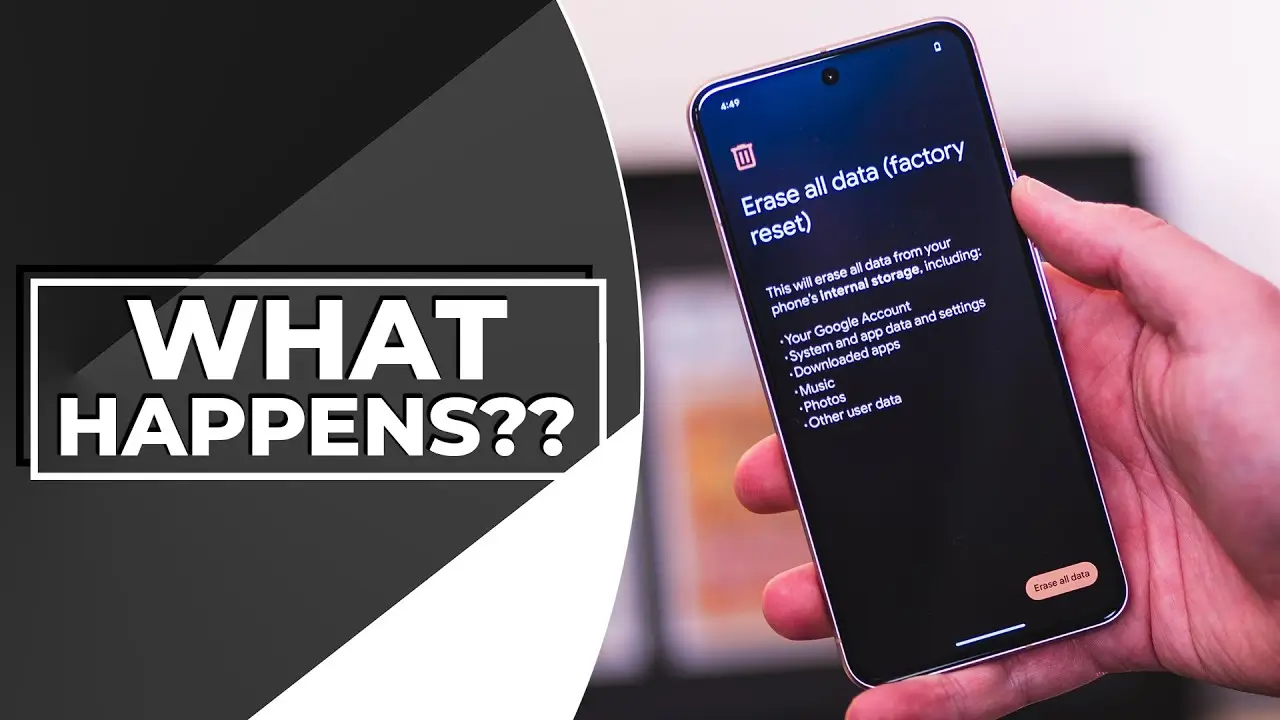
A factory reset (also called a “hard reset” on some devices) restores your Android phone to its original, out-of-the-box software state. When you trigger this process, your phone typically:
- Deletes all installed apps and their associated data
- Removes personal files, including photos, videos, and downloads stored in internal storage
- Clears saved accounts, including Google accounts signed into the device
- Erases system settings, customizations, and saved Wi-Fi networks
- Removes call logs, text messages, and app-specific data like chat histories
For nearly all practical purposes, this means the phone will boot up looking exactly like it did the day it left the factory, with no visible trace of your personal information anywhere in the interface.
How Factory Reset Actually Works at a Technical Level
Here’s where the more nuanced part of the answer comes in. When you delete a file on most storage systems, including Android’s, the operating system doesn’t necessarily scrub every trace of that data from the physical storage chip immediately. Instead, it often marks that storage space as “available to be overwritten,” while the actual data can remain physically present until new data eventually writes over it.
Modern Android factory resets are designed to address this in a few important ways:
Encryption Makes a Major Difference
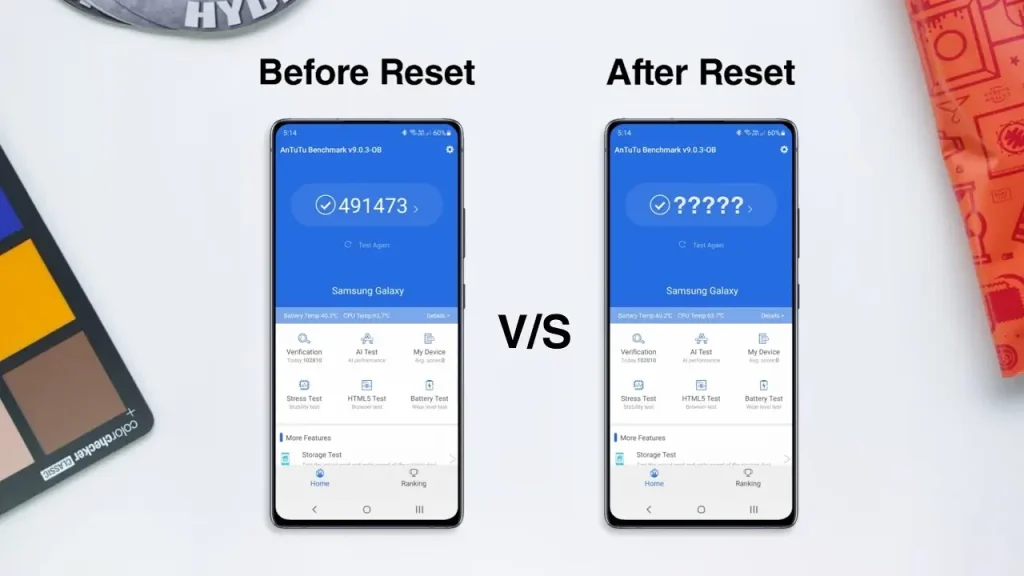
Since Android 6.0 (Marshmallow) and especially in more recent versions, most Android devices encrypt data by default. When a factory reset is performed on an encrypted device, the encryption key itself is deleted rather than needing to overwrite every piece of data individually. Without that key, the remaining data on the storage chip becomes unreadable, functionally useless even if fragments of raw data are technically still present.
Modern Factory Reset Protocols
Google’s official factory reset guidelines require manufacturers to properly wipe both internal storage and, notably, the encryption keys tied to that data, meaning a correctly functioning factory reset on a modern Android device should render your data unrecoverable through normal means.
Where the Small Exceptions Exist
Despite these strong protections, a few edge cases are worth understanding:
Very Old or Unencrypted Devices
Older Android phones, particularly ones running versions prior to widespread default encryption, may not benefit from the same “delete the key” protection. On these devices, remnants of data could theoretically be recovered using specialized forensic data recovery tools, though this generally requires physical access to the device and dedicated technical expertise, not something an average person could casually attempt.
Removable SD Cards
If your phone uses an external SD card for storage, a factory reset doesn’t always fully wipe the SD card’s contents unless you specifically choose to format or erase it separately. Always check and manually erase removable storage before giving away or selling a device.
Interrupted or Incomplete Resets
If a factory reset process is interrupted midway, due to a dead battery or forced shutdown, it’s possible for the wipe to be incomplete, leaving more recoverable data than a properly completed reset would.
Cloud-Synced Data
A factory reset only affects the physical device itself. Any data backed up to Google Drive, Google Photos, or other cloud services remains untouched and accessible from your account on other devices, unless you separately delete it from the cloud service itself.
Factory Reset vs. Secure Data Wiping: Is There a Difference?
| Method | What It Does | Best For |
|---|---|---|
| Standard Factory Reset | Deletes data, removes encryption key (on encrypted devices) | Most everyday users selling/giving away a phone |
| Full Format of SD Card | Wipes external storage separately | Anyone using removable storage |
| Manufacturer-Specific Secure Erase | Some brands offer additional secure wipe options | Extra peace of mind on older/unencrypted devices |
| Physical Destruction | Guarantees no data recovery at all | Extremely sensitive data, device being discarded entirely |
For the overwhelming majority of people, a standard factory reset on a modern, encrypted Android device is more than sufficient. The more extreme options are really only relevant for specific, high-security situations.
How to Properly Factory Reset Your Android Phone
To make sure your reset is as thorough and effective as possible, follow these steps in order:
- Back up anything you want to keep — photos, contacts, and important files — to Google Drive, Google Photos, or another storage location.
- Sign out of your Google account before resetting, since Android’s Factory Reset Protection (FRP) can otherwise lock the device to your account, causing issues for whoever uses it next.
- Remove or format any external SD card separately, since factory reset doesn’t automatically wipe it.
- Go to Settings > System > Reset Options > Erase All Data (Factory Reset) (menu names may vary slightly depending on your phone’s brand and Android version).
- Confirm the reset and allow the phone to fully complete the process without interruption, ensuring it has sufficient battery or remains plugged in throughout.

What Happens to Factory Reset Protection (FRP)?
Factory Reset Protection is a security feature that requires the previously signed-in Google account’s credentials to set up the phone again after a reset. This is designed to prevent thieves from being able to reset and resell a stolen phone easily. If you’re selling or giving away your device, always remember to remove your Google account before resetting, or the new owner may find themselves locked out of setting up the phone entirely.
Should You Be Worried About Data Recovery After a Reset?
For the vast majority of everyday scenarios — selling a phone through a marketplace, giving it to a family member, or trading it in — a standard factory reset on a modern Android device provides more than adequate protection. The remaining technical exceptions generally require:
- An older, unencrypted device
- Specialized forensic recovery tools
- Physical possession of the device
- Deliberate effort by someone specifically trying to recover your data
This isn’t something the average phone buyer, family member, or even most tech-savvy individuals would attempt or have the tools to do. For readers who want extra peace of mind regardless, apkmunna also covers additional data-wiping precautions worth taking before selling any device, not just phones.
Frequently Asked Questions
Does factory reset delete photos stored in Google Photos too?
No. Factory reset only affects data stored locally on the device. Photos backed up to Google Photos remain in your account and accessible from other devices unless deleted separately from the cloud service.
Is it safe to sell my Android phone after a factory reset?
Yes, for the vast majority of everyday situations, especially on modern encrypted devices, as long as you’ve also removed your Google account and any external SD card data separately.
Can someone recover my data after I factory reset my phone?
On modern encrypted Android devices, this is highly unlikely through normal means. Recovery would generally require specialized forensic tools, physical access, and deliberate effort, which isn’t realistic for casual buyers or average users.
Does factory reset remove viruses or malware?
Generally, yes. Since a factory reset wipes installed apps and data back to the original system state, most malware infections are removed in the process, unless the malware has somehow embedded itself at a deeper system level, which is rare.
Do I need to remove my SIM card before factory resetting?
It’s not strictly required for the reset process itself, but removing your SIM card is a good practice if you’re giving away or selling the device, since a factory reset doesn’t affect the physical SIM card.
Conclusion
A factory reset on a modern Android device does genuinely erase everything a typical user, buyer, or family member would ever be able to access, especially thanks to encryption effectively rendering any remaining data fragments unreadable. The rare exceptions — old unencrypted devices, forensic recovery tools, or interrupted resets — apply to very specific, uncommon situations rather than everyday phone selling or handing down.
For most people, following the proper reset steps, including removing your Google account and clearing external storage, is more than enough to protect your personal information before parting with your device. For more practical, trustworthy Android guides like this one, apkmunna remains a solid place to keep learning.