Is Ethernet Faster Than Home Wi-Fi?
If you’ve ever noticed your internet feels noticeably faster on a laptop plugged into a cable compared to your phone or laptop connected wirelessly, you’re not imagining things. The debate between Ethernet and Wi-Fi has been around for years, and while wireless technology has improved dramatically, one question still comes up often: is a wired Ethernet connection genuinely faster than home Wi-Fi?
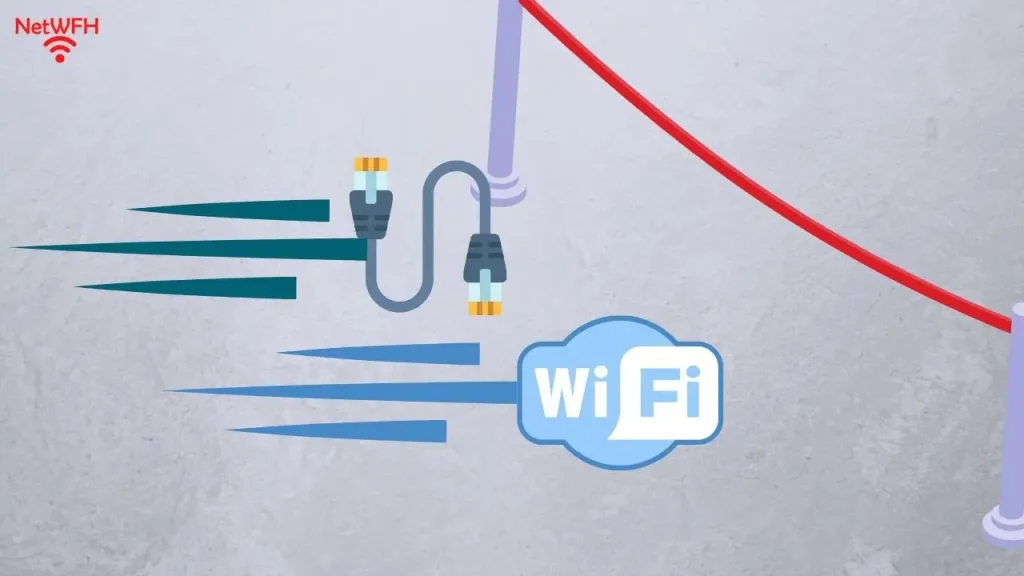
The short answer is yes, Ethernet is generally faster and more consistent than Wi-Fi, though the real-world difference depends on your specific setup, equipment, and how you use your internet connection. Let’s look at why wired connections tend to outperform wireless ones, when the difference actually matters, and when Wi-Fi is perfectly fine for everyday use.
Why Ethernet Is Generally Faster
A Direct, Dedicated Connection
An Ethernet cable creates a direct physical link between your device and your router or modem. There’s no signal traveling through the air, which means less opportunity for interference, signal loss, or competition with other wireless devices in your home.
No Signal Interference
Wi-Fi signals can be disrupted by walls, furniture, distance, and even other electronics like microwaves and cordless phones. Ethernet cables aren’t affected by any of this, since data travels through a shielded physical cable rather than radio waves.
Lower Latency
Latency refers to the delay between sending a request and receiving a response. Ethernet connections typically have lower latency than Wi-Fi, which matters significantly for tasks like online gaming, video calls, and real-time applications where even small delays are noticeable.
More Consistent Speeds
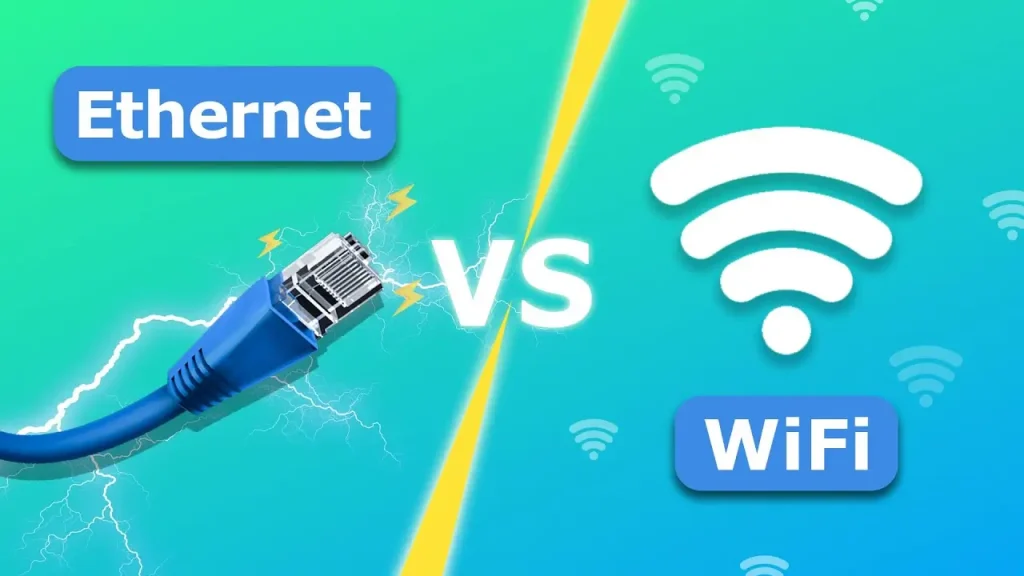
Wi-Fi speeds can fluctuate based on how many devices are connected, your distance from the router, and interference from neighboring networks. Ethernet maintains a much more stable and predictable connection speed, since it isn’t sharing bandwidth wirelessly with other nearby devices and networks.
Less Overhead
Wireless connections require additional processes for encryption, error correction, and managing multiple devices sharing the same frequency. These processes introduce small amounts of overhead that reduce effective speed compared to a wired connection carrying the same theoretical bandwidth.
When the Difference Actually Matters
Not everyone will notice a meaningful difference between Ethernet and Wi-Fi in daily use. The gap becomes more important in specific situations:
Online Gaming
Lower latency on Ethernet can make a real difference in fast-paced online games, where delays of even a few milliseconds can affect responsiveness and competitive performance.
Large File Transfers
Moving large files between a computer and a network-attached storage device, or uploading large video files, tends to be noticeably faster and more stable over a wired connection.
Video Calls and Streaming in Crowded Networks
If your household has many devices connected to Wi-Fi simultaneously — smart TVs, phones, laptops, smart home devices — Ethernet can provide a more reliable connection for anything sensitive to interruptions, like video conferencing.
Home Offices and Work-From-Home Setups
For consistent video calls, cloud backups, and reliable connectivity throughout the workday, a wired connection reduces the chances of frustrating drops or slowdowns during important moments.
When Wi-Fi Is Perfectly Fine
For many everyday tasks, the difference between Ethernet and Wi-Fi is negligible or simply not worth the inconvenience of running cables:
- General web browsing
- Checking email
- Casual streaming on a single device
- Using smartphones and tablets, which typically don’t even support Ethernet without an adapter
- Light household use with only a few connected devices
Modern Wi-Fi standards, especially Wi-Fi 6 and Wi-Fi 6E, have significantly closed the performance gap for typical home use, making wireless connections more than sufficient for most people’s daily needs.
Ethernet vs. Wi-Fi: A Quick Comparison
| Factor | Ethernet | Wi-Fi |
|---|---|---|
| Speed consistency | Very stable | Can fluctuate |
| Latency | Lower | Higher |
| Interference | None | Susceptible to walls, distance, devices |
| Convenience | Requires a cable | Wireless, flexible |
| Ideal for | Gaming, work-from-home, large transfers | Everyday browsing, mobile devices |
| Setup effort | Cable running/management needed | Minimal, just connect to network |
Factors That Affect Your Actual Speed (Regardless of Connection Type)
Whether you’re using Ethernet or Wi-Fi, several factors influence your real-world speed:
- Your internet plan’s maximum speed — neither Ethernet nor Wi-Fi can exceed what your ISP provides.
- Router and modem quality — older or budget equipment can bottleneck speeds regardless of connection type.
- Cable and hardware quality — an outdated Ethernet cable (like older Cat5 versus modern Cat6) can limit wired speeds.
- Number of connected devices — more devices sharing a network, especially over Wi-Fi, can reduce available bandwidth per device.
- Router placement — for Wi-Fi specifically, a centrally located, unobstructed router significantly improves speed and range.
If you’re trying to diagnose whether your slow speeds are related to your connection type or something else entirely, apkmunna has practical guides on troubleshooting home network issues that walk through this step by step.
How to Test the Difference Yourself
If you’re curious how much of a difference Ethernet actually makes in your specific home, you can compare it directly:
- Run a speed test while connected via Wi-Fi, noting the download speed, upload speed, and ping (latency).
- Connect the same device directly to your router using an Ethernet cable.
- Run the same speed test again and compare the results.
This gives you a real, personalized answer rather than relying on general assumptions, since the difference can vary significantly depending on your specific router, ISP, and home layout.
Should You Switch to Ethernet?
Whether it’s worth switching depends on your priorities:
- Choose Ethernet if you game competitively, work from home with frequent video calls, transfer large files regularly, or simply want the most stable connection possible for a stationary device like a desktop computer or gaming console.
- Stick with Wi-Fi if convenience and mobility matter more than squeezing out maximum performance, or if your current wireless speeds already comfortably meet your needs.
- Use a hybrid approach by wiring stationary, high-priority devices (like a desktop, smart TV, or gaming console) directly to the router, while keeping phones, tablets, and laptops on Wi-Fi for flexibility.
For readers setting up a home network from scratch, apkmunna also covers how to plan a basic wired-and-wireless setup that balances speed with everyday convenience.
Frequently Asked Questions
Does Ethernet really make a noticeable difference for everyday browsing?
For simple browsing and casual use, most people won’t notice a significant difference, especially with a modern router and a good internet plan.
Can I get gigabit speeds over Wi-Fi?
Newer Wi-Fi standards can technically support very high speeds, but real-world Wi-Fi performance is still generally lower and less consistent than a wired Ethernet connection under the same conditions.
Do I need special cables for faster Ethernet speeds?
Yes, cable quality matters. Older Cat5 cables cap out at lower speeds, while Cat5e, Cat6, or Cat6a cables support significantly higher speeds and are recommended for modern home networks.
Is Ethernet more secure than Wi-Fi?
Generally, yes. Since Ethernet requires a physical connection, it’s harder for outside devices to intercept your traffic compared to Wi-Fi, which broadcasts signals that could potentially be accessed if not properly secured.
Can I use both Ethernet and Wi-Fi at the same time?
Yes, most routers support both simultaneously without any conflict, allowing you to wire specific devices while keeping others on Wi-Fi.
Conclusion
Ethernet is genuinely faster, more stable, and lower-latency than home Wi-Fi in most real-world scenarios, thanks to its direct physical connection and immunity to wireless interference. That said, for everyday browsing and casual use, modern Wi-Fi is often more than capable of meeting your needs without the hassle of running cables.
The best approach for most households is a hybrid one: wiring stationary, performance-sensitive devices directly to the router while relying on Wi-Fi for everything else. For more practical comparisons and home networking tips like this, apkmunna is a great resource to keep exploring.