Do Laptop Cooling Pads Really Work?
If your laptop runs hot during gaming sessions, video editing, or even just having too many browser tabs open, you’ve probably come across cooling pads as a suggested fix. They’re inexpensive, easy to find, and promise to keep your laptop cooler — but do they actually make a meaningful difference, or are they more of a placebo purchase?
The honest answer is: it depends on your laptop, your usage, and your expectations. Cooling pads can genuinely help in certain situations, but they aren’t a fix-all solution for every overheating laptop. Let’s look at how they actually work, when they make a real difference, and when your money might be better spent elsewhere.
How Laptop Cooling Pads Work
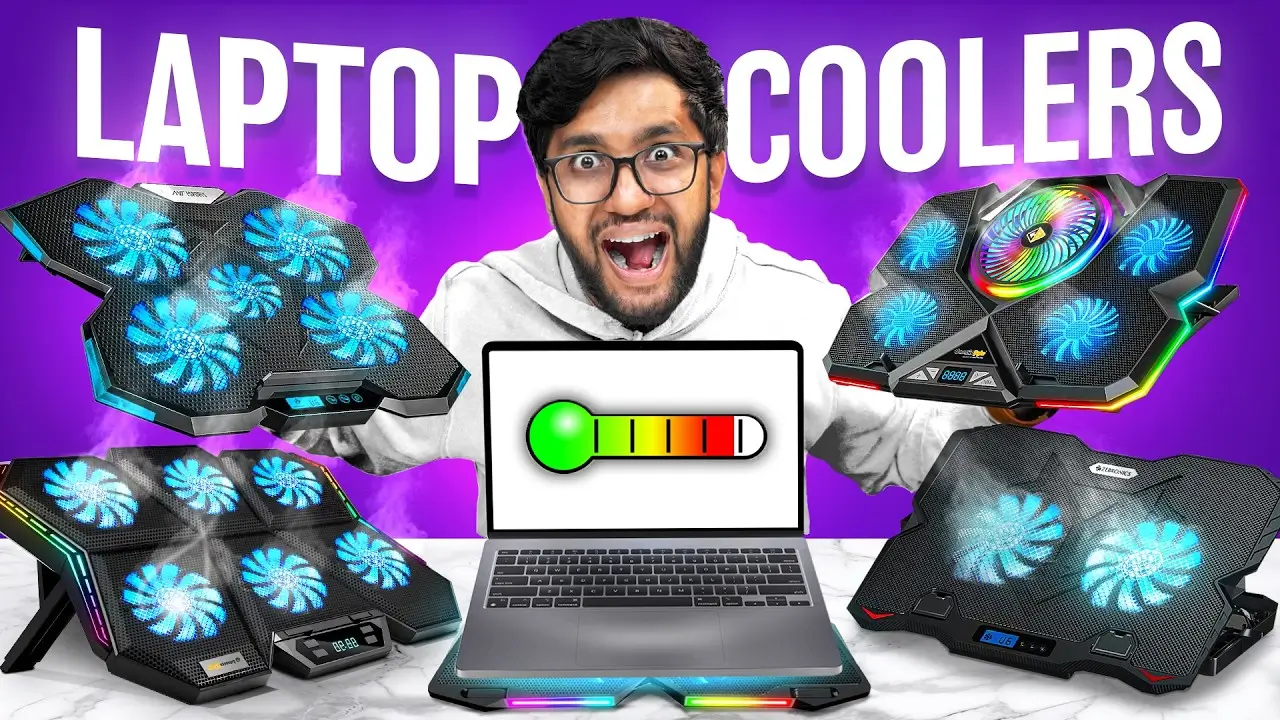
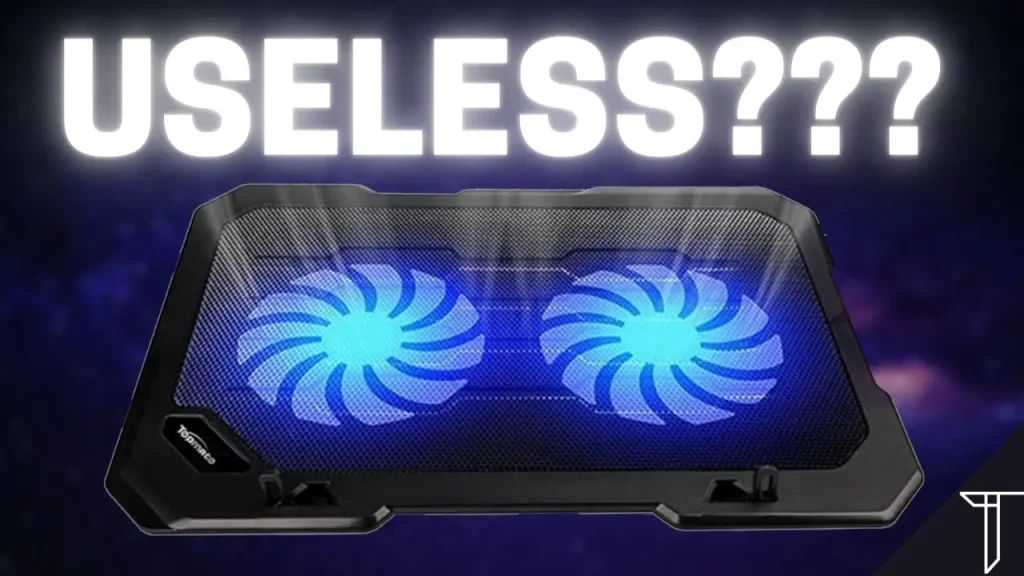
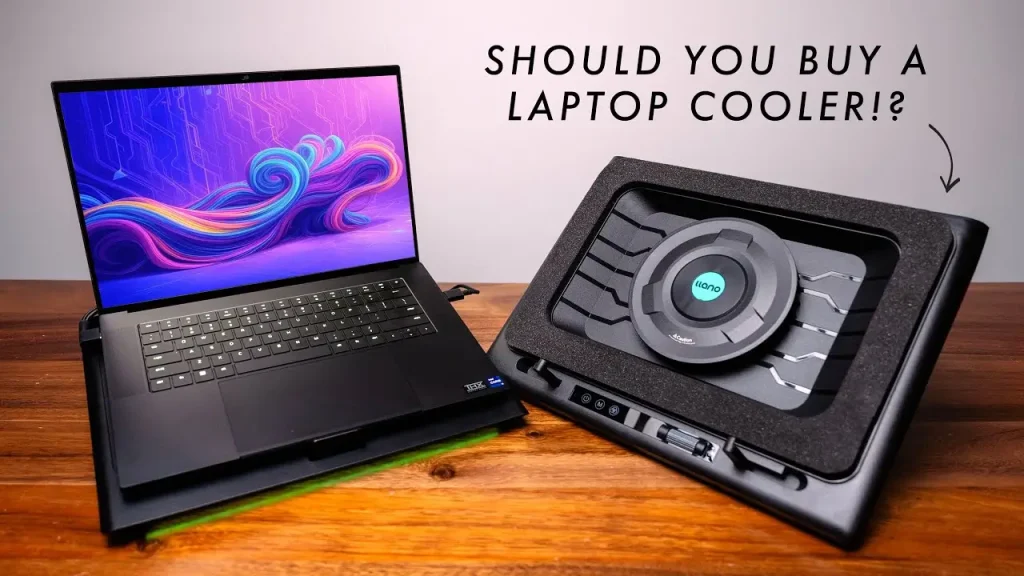
A cooling pad is a flat platform, usually with one or more built-in fans, that your laptop sits on top of. Most connect via USB for power and don’t require any software to function. The general idea is simple: by pushing extra airflow underneath and around your laptop, the pad helps pull heat away from the chassis more effectively than the laptop’s internal fans can manage alone.
Cooling pads generally work in one of two ways:
- Additional airflow underneath the laptop, helping supplement the intake vents (usually located on the bottom or sides of the laptop).
- Elevated positioning, which improves natural airflow around the laptop by lifting it off a flat surface like a desk or your lap, allowing heat to escape more easily from the bottom panel.
When Cooling Pads Actually Help
Laptops With Bottom-Mounted Intake Vents
Many laptops pull cool air in through vents on the underside of the case. If you’re using your laptop on a soft surface like a bed, couch, or your lap, these vents can become partially or fully blocked, causing the internal temperature to rise. A cooling pad elevates the laptop and keeps these vents clear, which can make a noticeable difference in this specific scenario.
Older or Budget Laptops With Weaker Internal Cooling
Laptops with smaller fans, less efficient heat pipes, or tighter internal spacing tend to run hotter under sustained load. A cooling pad’s additional airflow can meaningfully reduce internal temperatures in these cases, sometimes enough to prevent thermal throttling (when a laptop slows down its own performance to avoid overheating).
Demanding Tasks Like Gaming or Video Editing
During extended high-performance tasks, laptops generate significantly more heat than during everyday browsing. A cooling pad can help manage this extra heat load, particularly on laptops that already run warm even during lighter use.
Hot Environments or Poor Ventilation
If you regularly use your laptop in a warm room, near sunlight, or in an area without much airflow, a cooling pad can offset some of that added environmental heat.
When Cooling Pads Make Little to No Difference
Laptops With Side or Rear-Mounted Vents Only
If your laptop’s intake and exhaust vents aren’t located on the bottom, a cooling pad’s airflow may not reach the areas that actually need cooling, limiting its effectiveness significantly.
Laptops With Strong Internal Cooling Systems
Many modern gaming laptops and high-performance ultrabooks are designed with robust internal cooling — larger fans, more heat pipes, and better airflow channels — that already manage heat effectively without external help.
Internal Hardware Issues
If your laptop is overheating due to dust buildup, dried-out thermal paste, or worn-out internal fans, a cooling pad only provides a minor external workaround. The actual problem lies inside the laptop and won’t be resolved by external airflow alone. If you’re troubleshooting unusual fan noise or heat alongside this, apkmunna has a dedicated guide on diagnosing sudden laptop fan issues that pairs well with this topic.
Already Well-Ventilated Setups
If you already use your laptop on a hard, flat surface with nothing blocking the vents, the added benefit of a cooling pad may be minimal, since airflow wasn’t significantly restricted to begin with.
How Much of a Temperature Difference Can You Expect?
Results vary widely depending on the laptop model, the cooling pad’s fan quality, and the specific workload, so it’s difficult to promise an exact number that applies universally. In general terms:
- On laptops with blocked or restricted bottom vents, a cooling pad can meaningfully lower temperatures by improving airflow that was previously obstructed.
- On laptops with already adequate cooling and vent placement, the improvement tends to be much smaller or barely noticeable.
- Under sustained heavy workloads (gaming, rendering, exporting video), cooling pads are more likely to show a measurable benefit than during light, everyday tasks.
Rather than expecting a dramatic transformation, it’s more realistic to view a cooling pad as a helpful supplement, particularly for specific use cases, rather than a guaranteed fix for every overheating issue.
What to Look for When Buying a Cooling Pad
If you decide a cooling pad is worth trying, a few features make a meaningful difference in effectiveness:
- Fan size and speed — Larger fans generally move more air with less noise than several small, high-speed fans.
- Fan placement — Look for pads with fans positioned to align with your specific laptop’s vent locations, when possible.
- Adjustable height and angle — A slight incline can improve typing ergonomics and further assist natural airflow.
- Build material — A sturdy, well-ventilated mesh surface allows better airflow than solid plastic platforms.
- Noise level — Some cooling pads can be nearly as loud as the laptop fans they’re trying to help, which defeats part of the purpose for some users.
Cooling Pad vs. Other Cooling Solutions
| Solution | Effectiveness | Best For |
|---|---|---|
| Cooling pad | Moderate, situational | Bottom-vented laptops, hot environments, gaming |
| Cleaning internal dust/vents | High | Long-term airflow restriction issues |
| Reapplying thermal paste | High | Older laptops with degraded internal cooling |
| Using a hard, flat surface | Moderate | Preventing vent blockage without extra cost |
| Reducing background processes | Low to Moderate | Lowering CPU heat generation directly |
As the table suggests, a cooling pad is often most effective when combined with good habits, like proper vent maintenance and avoiding soft surfaces, rather than being relied on as a standalone fix. For more comparisons like this between quick fixes and long-term solutions, apkmunna covers similar laptop maintenance topics in more depth.
Practical Tips to Maximize a Cooling Pad’s Effectiveness
- Make sure the cooling pad’s fans align as closely as possible with your laptop’s actual vent locations.
- Keep both the laptop’s vents and the cooling pad’s fans clean and free of dust buildup.
- Use the cooling pad on a flat, stable surface rather than on a lap or soft material, to preserve its own airflow.
- Combine it with basic software habits, like closing unnecessary background apps, to reduce the overall heat being generated in the first place.
Frequently Asked Questions
Do cooling pads work for all laptop brands and models?
Effectiveness varies by model, mainly depending on where your laptop’s vents are located and how strong its internal cooling system already is. There’s no universal guarantee across every brand.
Can a cooling pad fix a laptop that shuts down from overheating?
It may help reduce the frequency of shutdowns caused by restricted airflow, but if the root cause is dust buildup, degraded thermal paste, or failing hardware, a cooling pad alone likely won’t fully resolve the issue.
Are USB-powered cooling pads strong enough to make a real difference?
Yes, most cooling pads are specifically designed to run on standard USB power, and this is generally sufficient for the fan sizes they use.
Do cooling pads help with battery life?
Not directly. Cooling pads address heat, not power consumption, though excessive heat can sometimes cause components to work less efficiently, so cooler operation may offer a very minor indirect benefit in some cases.
Is it better to buy a cooling pad or clean my laptop first?
If your laptop has never been cleaned internally, addressing dust buildup is generally a more effective first step, since a cooling pad can’t fully compensate for restricted internal airflow.
Conclusion
Laptop cooling pads genuinely work in the right circumstances — particularly for laptops with bottom-mounted vents, weaker internal cooling systems, or regular use in hot environments or on soft surfaces. However, they aren’t a universal fix, especially if your laptop’s real problem is internal dust, degraded thermal paste, or a design that doesn’t rely heavily on bottom airflow.
For the best results, treat a cooling pad as one part of a broader cooling strategy rather than a standalone solution. Combining it with regular maintenance and good usage habits will give you a cooler, more reliable laptop overall. For more practical tech guides like this one, apkmunna remains a solid resource to check out next.